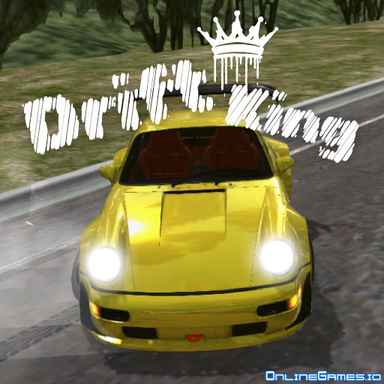
Drift King

Drift King — Controls and playing guide
What you do
Explore drift tracks with a tunable sports car. Camera and mirror options help you see how the car moves through a sustained slide.
Controls
WASD/arrows to drive; C for camera; M for mirror; R to reset; I to start/stop engine.
A useful first decision
Practice one corner with the same camera before tuning the car. A consistent viewpoint makes steering corrections easier to compare.
Compare with these games
| Play | What you do | A useful first decision |
|---|---|---|
| Supercars Drift | Earn drift progress on racetracks and unlock more cars as you improve. The scoring focus is controlled sliding rather than merely reaching a finish line. | Choose a wide corner and practice holding one slide before linking several. Straighten the car early when you begin running out of road. |
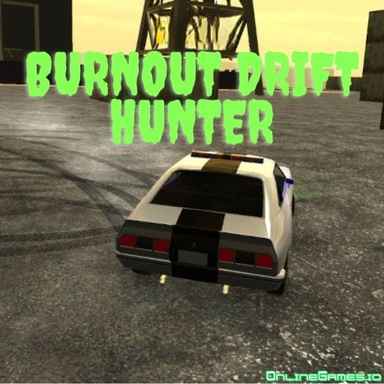
| Burnout Drift Hunter | Choose a car and practice sliding on tracks such as a mountain road, port, and desert setting. Drift earnings can support further garage changes. | Learn the port's wider corners before taking the same speed onto tighter mountain bends. Adjust entry speed to the available width. |
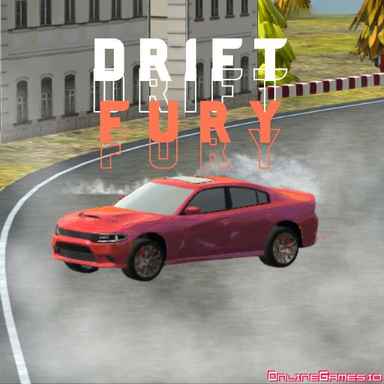
| Drift Fury | Switch between drift challenges and races in a sports car. A scoring run and a race need different priorities even when they share the same vehicle. | In drift challenges, focus on a clean slide. In a race, straighten earlier and avoid sacrificing exit speed just to keep drifting. |
These notes are compiled from published game descriptions and instructions. Controls and features can vary between browser editions.
Reference: Game provider description
Content reviewed:
More about this game
Drift King: The Premier Drifting Adventure
Drift King distinguishes itself among online drifting games by providing an immersive experience that lets you see smoke streaming from your drifts in the rearview mirror. With high-quality 3D graphics, a lineup of 10 sports cars, and 6 varied tracks, the game offers outstanding realism. Extensive tuning options round out the experience for dedicated drift fans.
Controls
- WASD or Arrow Keys: Control vehicle movement
- M: Toggle the rearview mirror
- C: Switch camera perspectives
- R: Reset the vehicle’s position
- U: Alternate between KMH and MPH
- I: Start or stop the engine
- P: Enable or disable fullscreen mode
Getting Started with Drift King
Unlike many racing games that require lengthy gameplay to unlock premium content, Drift King grants you 30,000 coins right from the start. This initial budget allows players to buy cars, upgrade parts, and tailor their gameplay immediately.
Initial Setup Tips
- Explore the garage to pick your desired car and get familiar with upgrade options
- Test different tuning settings to enhance performance
- Select from six unique maps according to your drifting style and skill level
- Maps include professional racetracks and scenic rural roads with various curves
- Focus on maintaining speed while performing long drifts, manji turns, and donuts
- Experienced players can create S-shaped drift sequences by following the road layout
Garage Customization
Within the garage, players have access to extensive options for both customizing appearance and improving vehicle performance.
- Performance enhancements including engine upgrades, turbo, transmission, handling, and weight reduction
- Complete visual customization with an unlimited color palette
- Advanced tuning features like ride height adjustment, camber angles, and brake sensitivity settings
- Wheel selections available using in-game currency
Multiplayer Mode
Drift King includes a full multiplayer mode. After choosing multiplayer, you can create a private room by setting your display name and selecting a map. Join forces with other players for organized contests, pursuit challenges, or wild demolition matches.
Similar Recommended Games
If you're looking for a greater drifting challenge, try Drift Hunters 2, which offers a wider range of vehicles and more complex tracks. Keep in mind that successfully executing combos in this game demands higher precision.
Comments(33)
FullscreenFan
2025-10-30 15:03:37Toggle fullscreen with P key works perfectly. Game looks great on my ultrawide monitor.
SmokeTrailLover
2025-10-13 13:31:11Watching the smoke through the rearview while drifting is pure genius!
ChaseModeExpert
2025-10-04 14:58:20Chase sequences in multiplayer are incredibly intense and fun!
CarEnthusiast88
2025-09-26 10:39:47The tuning options are incredible. Spent hours adjusting camber and ride height.
QuickRestartFan
2025-09-25 06:38:13R key for quick reset is essential when learning difficult drift lines.
BrakeBalancePro
2025-09-05 01:38:47Brake sensitivity calibration is a game-changer for perfect drift entries.
TokyoDriftFan
2025-08-07 08:51:06Six different maps keep the gameplay fresh. Love the professional racetrack!
PerformanceMaximizer
2025-07-27 11:41:22Love how each upgrade component actually affects the car's behavior differently.
DriftMaster42
2025-07-09 01:24:12The rearview mirror smoke effect is so satisfying! Best drifting game I've played online.
RealismSeeker
2025-06-22 10:23:34The attention to detail in car handling and tuning options is impressive.